
Turning Genealogy Search Results into Research Data
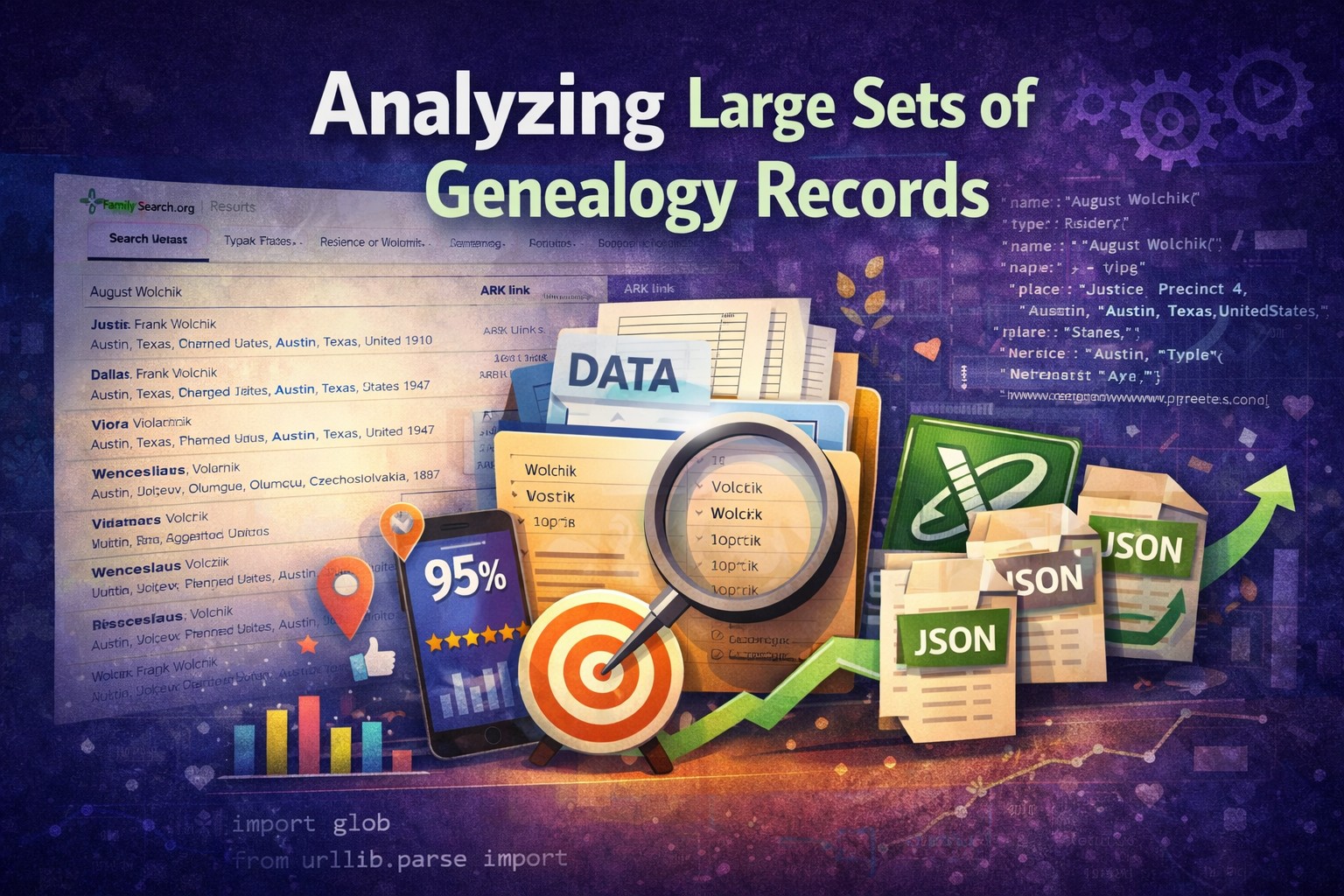
Modern genealogy websites are excellent at helping researchers find individual records. They provide powerful search tools, large collections, and the ability to quickly open those records.
However, those same interfaces are not designed for working with search results at scale. When a search returns hundreds or thousands of results, researchers are typically limited to paging through them inside the website interface. This makes it difficult to treat those results as a dataset that can be sorted, grouped, or analyzed.
Common tasks become unnecessarily hard:
- comparing records across multiple collections
- identifying clusters of similar names or locations
- scanning large result sets for patterns
- reviewing many records side‑by‑side
In other words, the data exists, but the tools to work with it outside the search interface are limited.
A New Approach
Instead of treating genealogy search results as something that must be reviewed individually, I started experimenting with a simple workflow:
- Capture the search results in a format I specify.
- Store them as structured data.
- Process them with scripts.
- Export them into a format that is easy to explore.
The end result is a dataset that can be sorted, filtered, and reviewed outside the original website, using my own criteria (e.g., sorting by both name and birth date, record collection and parent names, etc.)
This article focuses on the first platform I experimented with: FamilySearch. The same approach should work with other genealogy sites as well, and future posts will likely explore those unique sites.
It should be noted that this workflow does not replace traditional genealogy research. Instead, it changes how large collections of records can be explored.
FamilySearch Search Results
FamilySearch provides powerful search tools, but the export options are limited. While you can export in a variety of formats and file types, the format is controlled by the site. If you are working with 7 pages of results, you will be exporting 7 individual files, then responsible for the cleanup and merging of data.
To work around that limitation, I built a small browser extension that runs while I am viewing a FamilySearch search results page.

As the results page loads, the extension reads the information already present in the page's DOM (Document Object Model), which represents the structure of the webpage as a hierarchy of elements.
I then inject a small button into the page that allows me to copy that structured data directly to my clipboard.
JSON works well for this purpose because it preserves the structure as key-value pairs.
"age": 32,
"skills": ["Genealogy", "Python"]
For each result in the table, the script extracts the record name, the collection it belongs to, the FamilySearch ARK link, event information (such as birth, marriage, residence, or death), and any relationship fields that appear. It then assembles that information into a standardized object structure with fields such as ark, name, collection, events, and relationships. This is also a great time to transform the data, such as converting a relative URL like "/ark:/61903/1:1:V6Q7-6FM" into an absolute URL like "https://www.familysearch.org/ark:/61903/1:1:V6Q7-6FM"
This way, events, relationships, and other information from the FamilySearch search results can easily remain intact as nested items. As an example, for the entry on August Wolchik, the search result entry:

becomes a structured object:
"ark": "https://www.familysearch.org/ark:/61903/1:1:M2MR-371?lang=en",
"name": "August Wolchik",
"collection": "United States, Census, 1910",
"events": [
{
"type": "Birth",
"date": "1867",
"place": "Texas",
"raw": [
"1867",
"Texas"
]
},
{
"type": "Residence",
"date": "1910",
"place": "Justice Precinct 4, Austin, Texas, United States",
"raw": [
"1910",
"Justice Precinct 4, Austin, Texas, United States"
]
}
],
"relationships": {
"Spouse": "Louisa Wolchik",
"Children": "Francisca Wolchik, Frank Wolchik, John Wolchik, Louisa Wolchik, Anna Wolchik MORE"
}
}
I can then paste the entire search results data (100 entries at a time) to files that I store locally for later processing. The JSON files I create become the raw dataset for the rest of the workflow.
Right now, I have been focusing on data for the Volčík One Name Study which is hosted on WikiTree. So I ran "exact searches" for the surname (Volcik), including various variant spellings (Wolcik, Volcek, Wolcek, Volczik, etc.). This left me with a series of .JSON files for each surname variant I wanted to explore.
Processing the Dataset
Once the search results have been captured, the next step is processing them. Python is my tool of choice for local data processing since it is widely used in scientific and numeric computing, as well as web and internet development and supports many protocols such as JSON.
The following script is used to combine all of the exported JSON files into a single dataset and remove duplicate record references based on the FamilySearch ARK identifier.
import glob
from urllib.parse import urlsplit
def ark_path(url: str) -> str:
if not url:
return ""
return urlsplit(url).path
seen = set()
count_in = 0
count_out = 0
with open("master_unique.jsonl", "w", encoding="utf-8") as out:
for fn in sorted(glob.glob("*.json")):
with open(fn, "r", encoding="utf-8") as f:
data = json.load(f)
if not isinstance(data, list):
data = [data]
for rec in data:
count_in += 1
ap = ark_path(rec.get("ark", ""))
if ap and ap in seen:
continue
if ap:
seen.add(ap)
rec = dict(rec)
rec["source_file"] = fn
rec["ark_path"] = ap
out.write(json.dumps(rec, ensure_ascii=False) + "\n")
count_out += 1
print("Input records:", count_in)
print("Unique output records:", count_out)
print("Wrote master_unique.jsonl")
It scans the current directory for every .json file, reads the records inside them, and processes each record one by one. For each entry it extracts the ARK path portion of the record URL, which acts as a unique identifier for that FamilySearch record. If that ARK path has already been seen in another file, the record is skipped to prevent duplicates. Otherwise, the record is written to a new file called master_unique.jsonl, along with two additional fields: source_file (which JSON file the record originally came from) and ark_path (the normalized ARK identifier used in deduplication).
The output is compressed into JSONL, or JSONLines, which is designed to handle arrays of objects, where each line is a separate object. Using the same John Smith example from earlier, we now have a single, compressed line for each entry in our dataset.
Creating the Usable Dataset
While JSON and JSONL are both excellent for storing structured data, it is not ideal for reviewing large numbers of records manually. For that reason, the final step in the workflow exports the processed dataset into Excel, where each record becomes a row in a spreadsheet. Once the data is in this format, it becomes much easier to sort, filter, and explore the dataset.
The following script reads the master_unique.jsonl file that was generated and processes each record to extract each field.
import re
from openpyxl import Workbook
from openpyxl.utils import get_column_letter
def pick_event(rec, etype):
for e in rec.get("events", []):
if (e.get("type") or "").strip().lower() == etype.lower():
return e
return {}
def year_from_text(s: str):
if not s:
return ""
m = re.search(r"(18|19|20)\d{2}", s)
return m.group(0) if m else ""
def split_name(fullname: str):
fullname = (fullname or "").strip()
if not fullname:
return ("", "", "")
parts = fullname.split()
if len(parts) == 1:
return ("", "", parts[0])
surname = parts[-1]
given_names = " ".join(parts[:-1])
first_name = parts[0]
return (given_names, first_name, surname)
wb = Workbook()
ws = wb.active
ws.title = "records"
headers = [
"ark", "ark_path", "source_file",
"full_name", "given_names", "first_name", "surname", "collection",
"birth_date", "birth_year", "birth_place",
"death_date", "death_year", "death_place",
"parents", "spouse", "children", "siblings", "other"
]
ws.append(headers)
with open("master_unique.jsonl", "r", encoding="utf-8") as f:
for line in f:
rec = json.loads(line)
full_name = rec.get("name", "") or ""
given_names, first_name, surname = split_name(full_name)
birth = pick_event(rec, "Birth")
birth_date = birth.get("date", "") or ""
birth_place = birth.get("place", "") or ""
death_date = death.get("date", "") or ""
death_place = death.get("place", "") or ""
rel = rec.get("relationships") or {}
parents = rel.get("Parents", "") or ""
spouse = rel.get("Spouse", "") or ""
children = rel.get("Children", "") or ""
siblings = rel.get("Siblings", "") or ""
other = rel.get("Other", "") or ""
row = [
rec.get("ark", ""),
rec.get("ark_path", ""),
rec.get("source_file", ""),
full_name,
given_names,
first_name,
surname,
rec.get("collection", "") or "",
birth_date,
year_from_text(birth_date),
birth_place,
death_date,
year_from_text(death_date),
death_place,
parents,
spouse,
children,
siblings,
other
]
ws.append(row)
ws.freeze_panes = "A2"
ws.auto_filter.ref = ws.dimensions
widths = {
"A": 46, "B": 28, "C": 14,
"D": 28, "E": 22, "F": 14, "G": 14,
"H": 40,
"I": 16, "J": 10, "K": 22,
"L": 16, "M": 10, "N": 22,
"O": 40, "P": 26, "Q": 26, "R": 26, "S": 26
}
for col, w in widths.items():
ws.column_dimensions[col].width = w
wb.save("records.xlsx")
print("Wrote records.xlsx")
For each entry it pulls the record name, collection, ARK identifier, event data, and relationship information. The script also performs a small amount of normalization to make the data easier to analyze. For example, it splits the full name into given_names, first_name, and surname, extracts birth and death events from the events list, and attempts to pull a four digit year from the event date fields.
The final result is an Excel file called records.xlsx, where each row represents one unique record reference extracted from the original search results and prepared for sorting, filtering, and further analysis. Rather than manually navigating search results one page at a time, one record at a time, the records can be gathered, structured, and analyzed as a comprehensive dataset. For now, this provides me with a practical way to turn genealogy search results into research data that can be explored more effectively.